
Security
Safer AI browser automation starts with operation-level permissions
A useful AI browser permission system controls individual operations, not only entire apps, so reading a message can be allowed while sending one still requires approval.
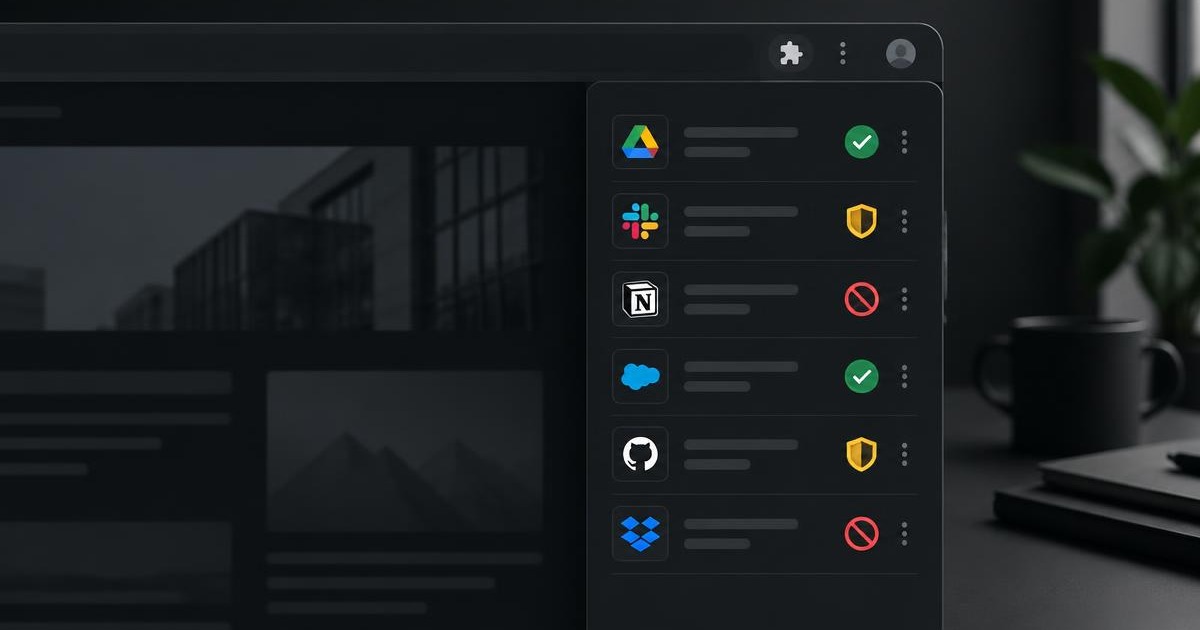
Separate discovery, reading and writing
Connecting a service should not mean granting every possible action. A task may need to list channels without permission to post, or inspect an issue without permission to edit it.
Allow, Ask and Deny
Allow is appropriate for low-risk operations you want to run automatically. Ask creates a review step before execution. Deny blocks the operation and should never trigger a hidden fallback.
- Allow: routine reads and explicitly trusted operations.
- Ask: sends, creates, edits and other consequential actions.
- Deny: operations that must never run for that connection.
Approval is not completion evidence
After a write is approved and attempted, the resulting state should be read back where possible. A click, keystroke or request start is not proof that the intended change happened.
Make the approval specific
A useful approval names the service, operation and intended target. “Allow access” is too broad; “Post this message to this Slack channel” gives the person a decision they can understand.
- Show the exact destination and action.
- Keep the proposed content visible before approval.
- Expire or invalidate approval when the operation changes.
A denial must remain a denial
If a connector write is denied, the agent must not recreate the same effect by clicking through the website. Permission rules protect the outcome, not merely one technical route to that outcome.
Sources and further reading
Continue in the documentation
See the exact product behavior, limits and setup steps behind this article.