
Workflow
When an AI assistant needs a full-page screenshot
A full-page screenshot is useful when an important page is rendered visually but its text or structure cannot be read reliably through normal page extraction.
Use visual reading as a fallback
Text and structured data are faster and easier to verify, so they should remain the first choice. Visual reading earns its cost when charts, canvases, virtualized lists or rendered documents hide information from normal extraction.
One image for the person, readable sections for the model
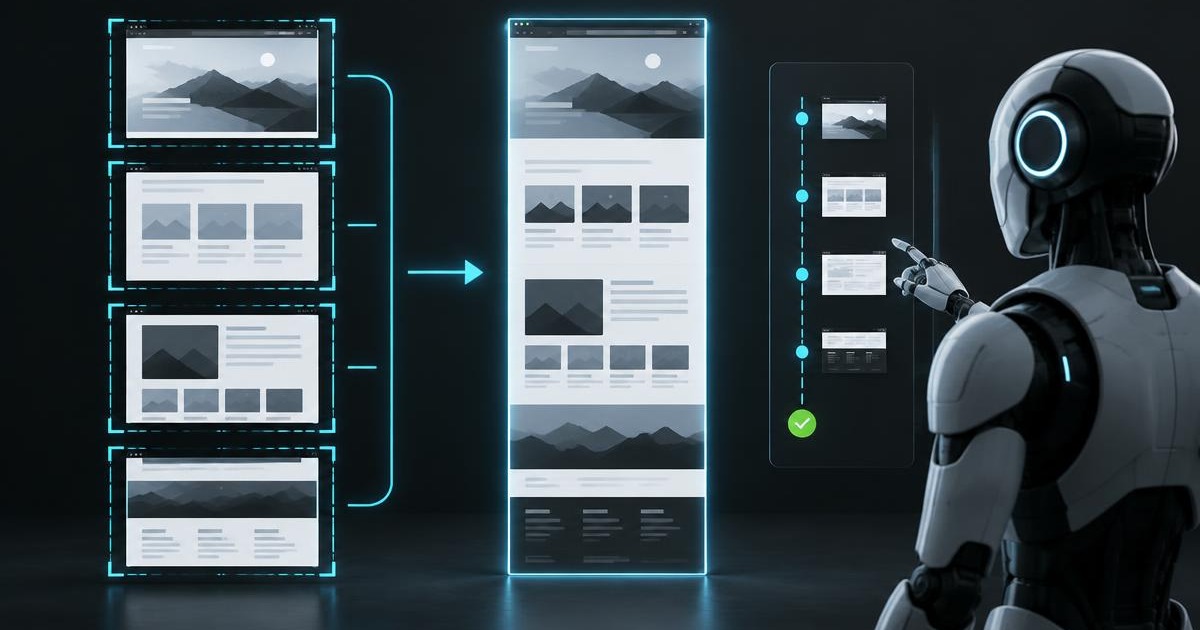
A long page can be captured viewport by viewport and stitched into one continuous image for the user. The model can keep the original sections as well, preserving small text that would become unreadable if the entire page were aggressively reduced.
Bound the work
A reliable system limits page height, image count, bytes and elapsed time. If a page exceeds the limit, the answer should say how far the capture reached instead of implying the whole document was processed.
Stitch for people, preserve detail for analysis
One continuous image is easier to download, inspect and share. That user-facing convenience should not force the model to read a heavily compressed poster-sized image. Keeping the source slices for analysis separates presentation quality from machine readability.
Do not make screenshots the default reader
Screenshots are slower and more expensive than clean text or structured data. They should be an evidence-preserving fallback for visual pages, not the first step for every website. This keeps routine research fast while retaining a path for difficult interfaces.
Sources and further reading
Continue in the documentation
See the exact product behavior, limits and setup steps behind this article.